
Creating a Block Restore Job
To run Block restore, you need to create and define a Block restore job first. You also need to have at least one Block backup to restore from.
Attention! During a block restore process, VMware host nodes may unexpectedly appear in the block restore SOURCES section. These nodes should be ignored. Continue with your restore process as normal, ensuring to select the correct nodes for the operation.
Select the Restore tab and click Block under Restore Modes.
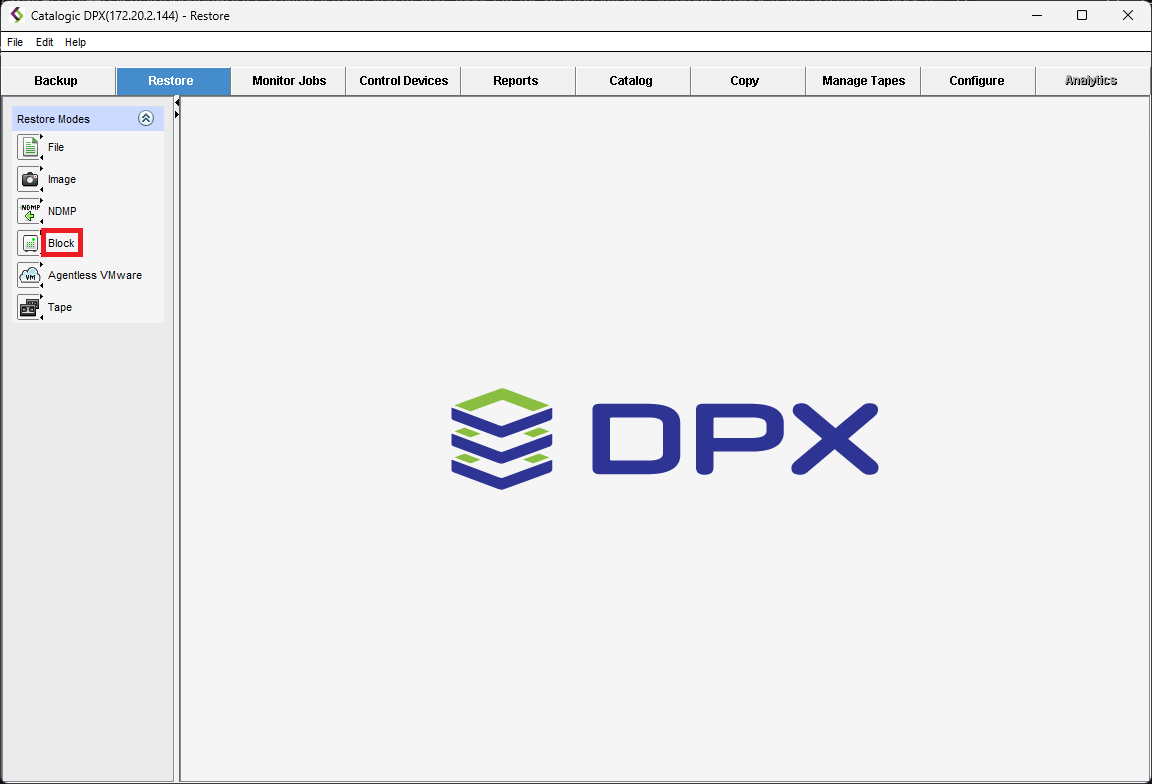
This action will take you to the view for defining a new restore job. If you were editing a different restore job and wish to start a new one, click Define New Restore Job.
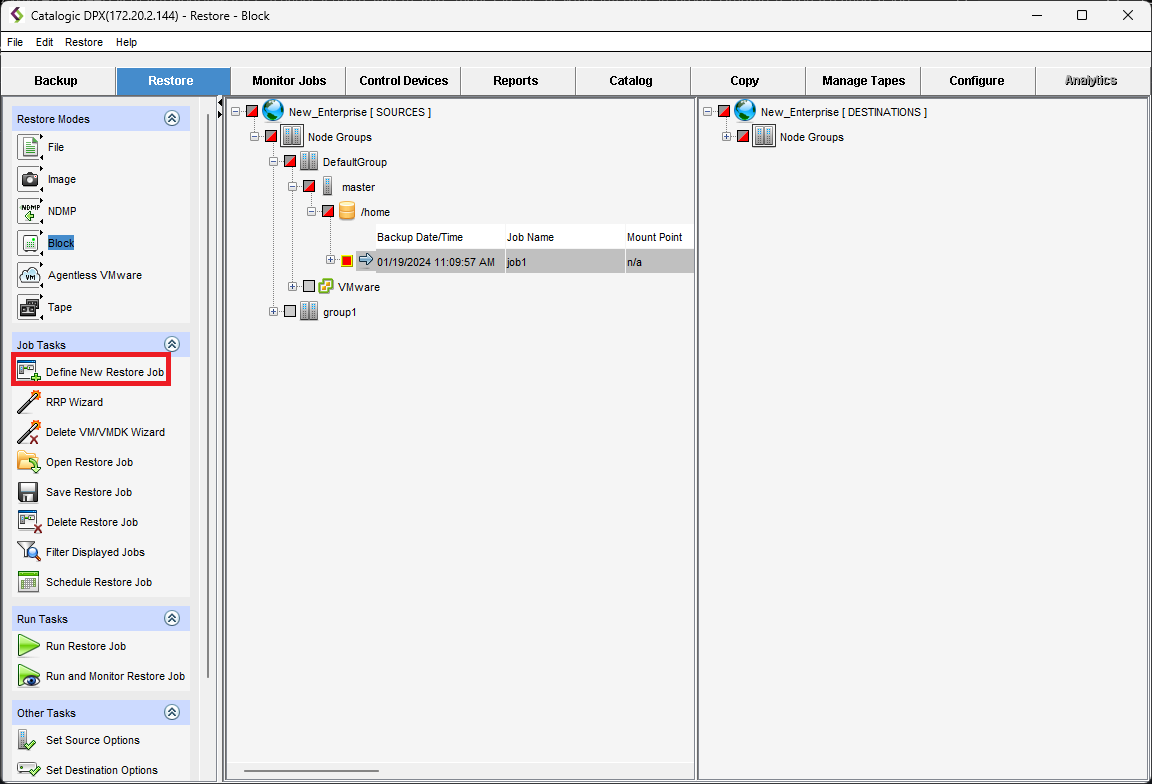
Select the source (a previously created Block backup) and the destination for your restore job. Then, click Save Restore Job.
Specifying a destination directory or qtree that does not exist
Right-click the volume or directory in the destination tree to which you want to add the new directory.
Select Create New Directory from the context menu and choose a name for your directory. Note that slashes are not supported in this dialog.
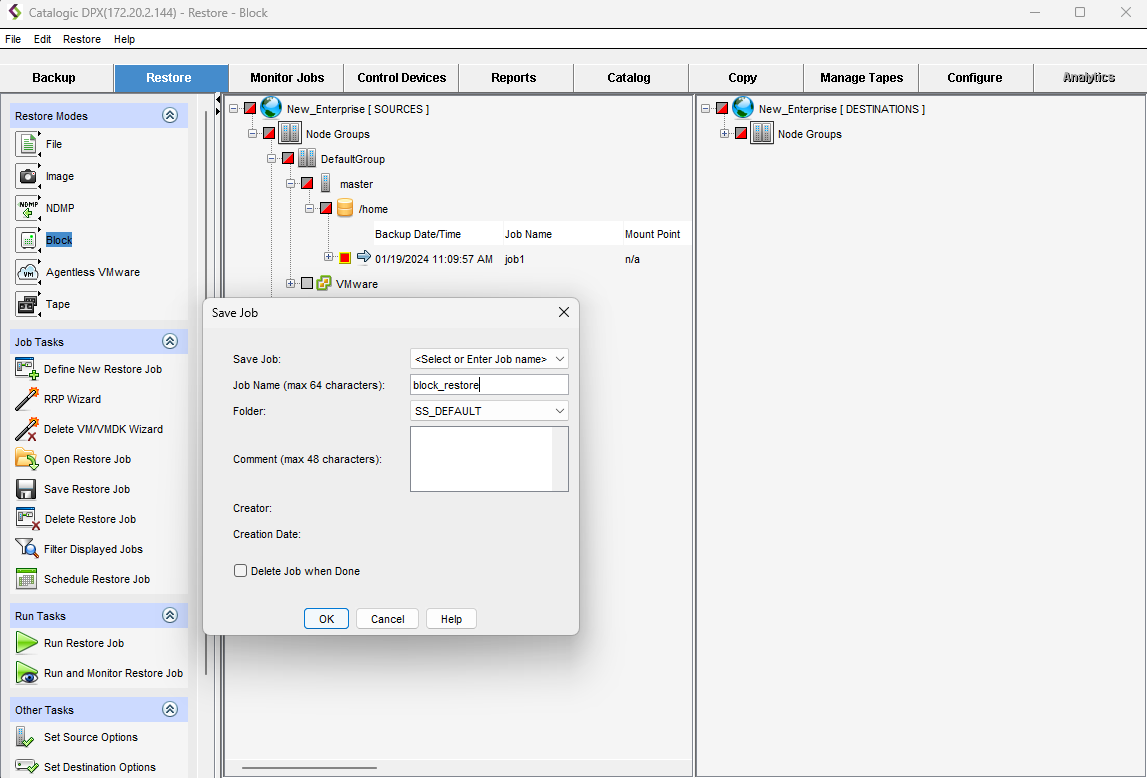
Now you can create a Job Name, select a Folder, and add a Comment to your restore job. When you click OK, your Block Restore Job will be saved.
Last updated