Mailing Lists
It allows you to create a mailing list that can be used for sending group report e-mails.
Creating a new mailing list
To create a new list, click on Create button. A new window will appear.

Fill the name for your list and add recipients e-mails by clicking Add recipient button.
After you finished adding recipients, click Save button.
Mailing list usage
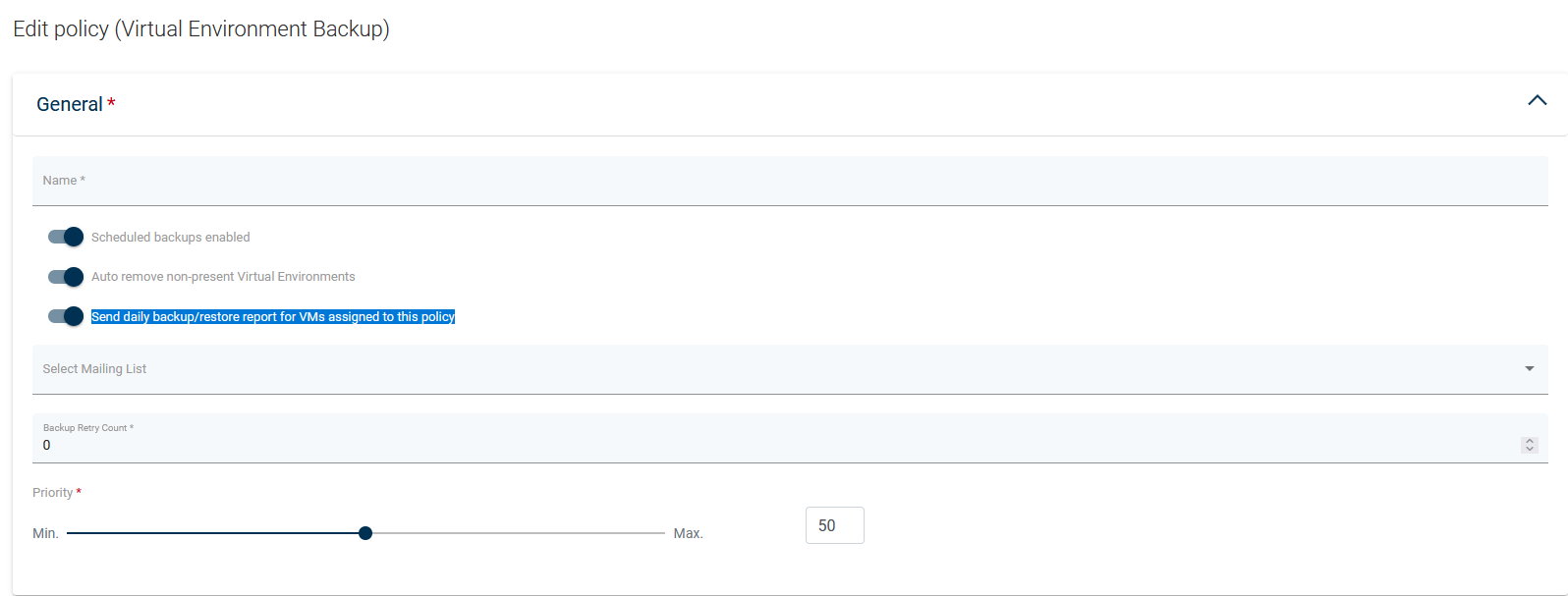
Find the backup policy in which you want to use the mailing list and click it to enter Edit policy the page. Enable Send daily backup/restore report for VMs assigned to this policy option and select mailing list.