Applications
General
vPlus provides reporting functionality to obtain information on historical activity.
You can reach them from the main dashboard in the "Activity" section with the button Reporting
 (1) (1) (1) (2)-e56f5a6501fdc45949a7af2c3d9e69a0.PNG)
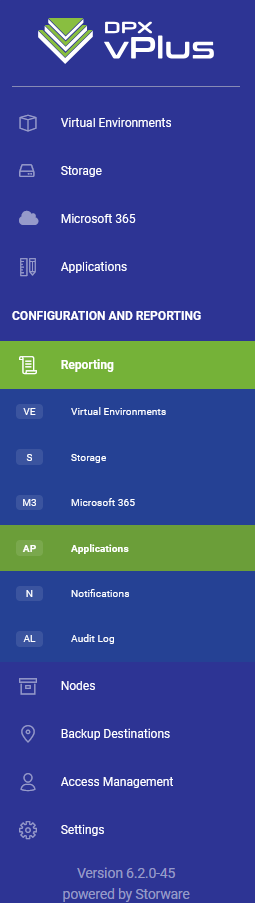
You can also open the Application reports in the reporting section from the left menu.
Summary
In the beginning, you should see the summary page
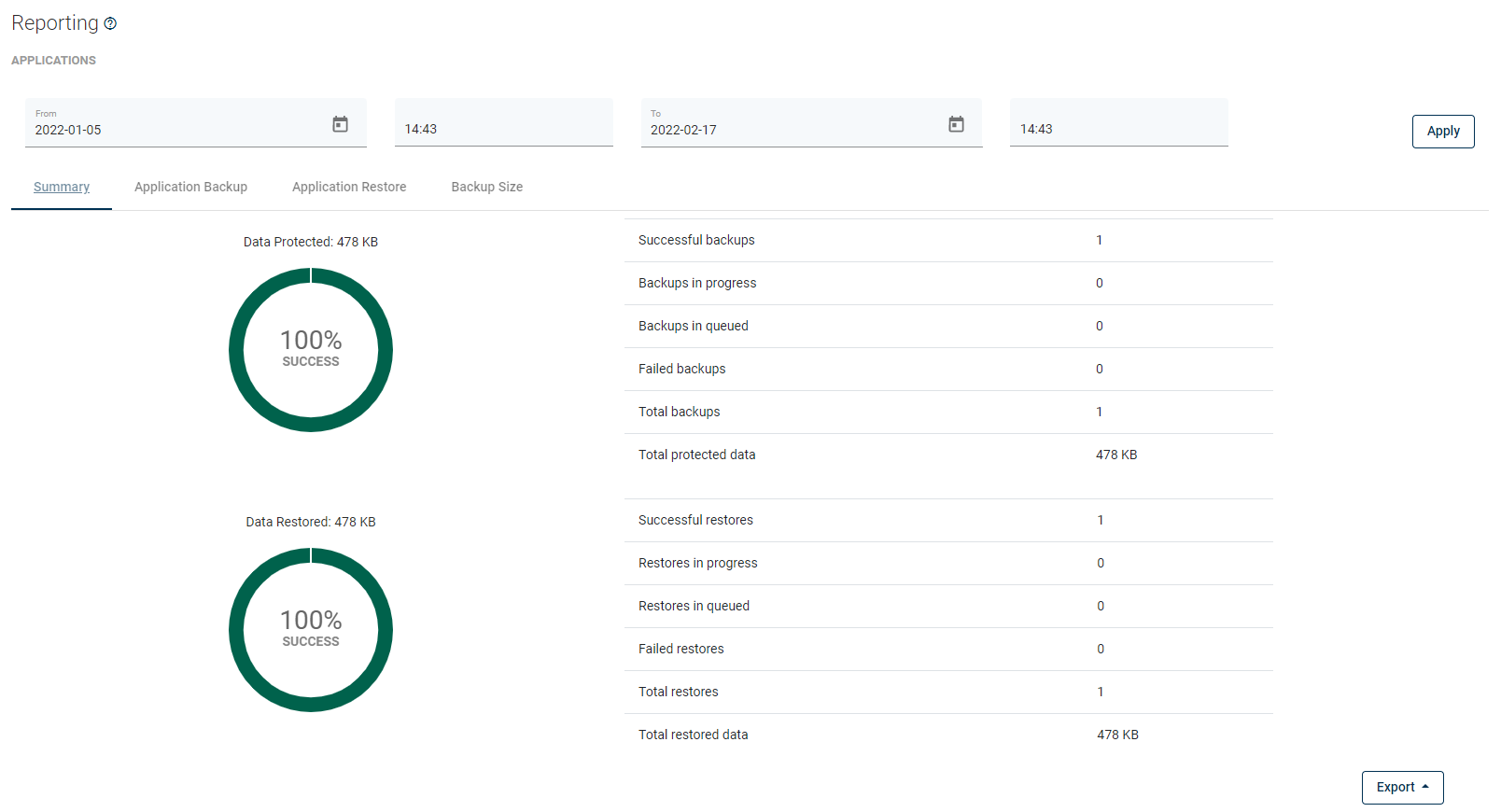
From here, you can set a date range or go to a detailed summary of backup, restore jobs, and backup size.
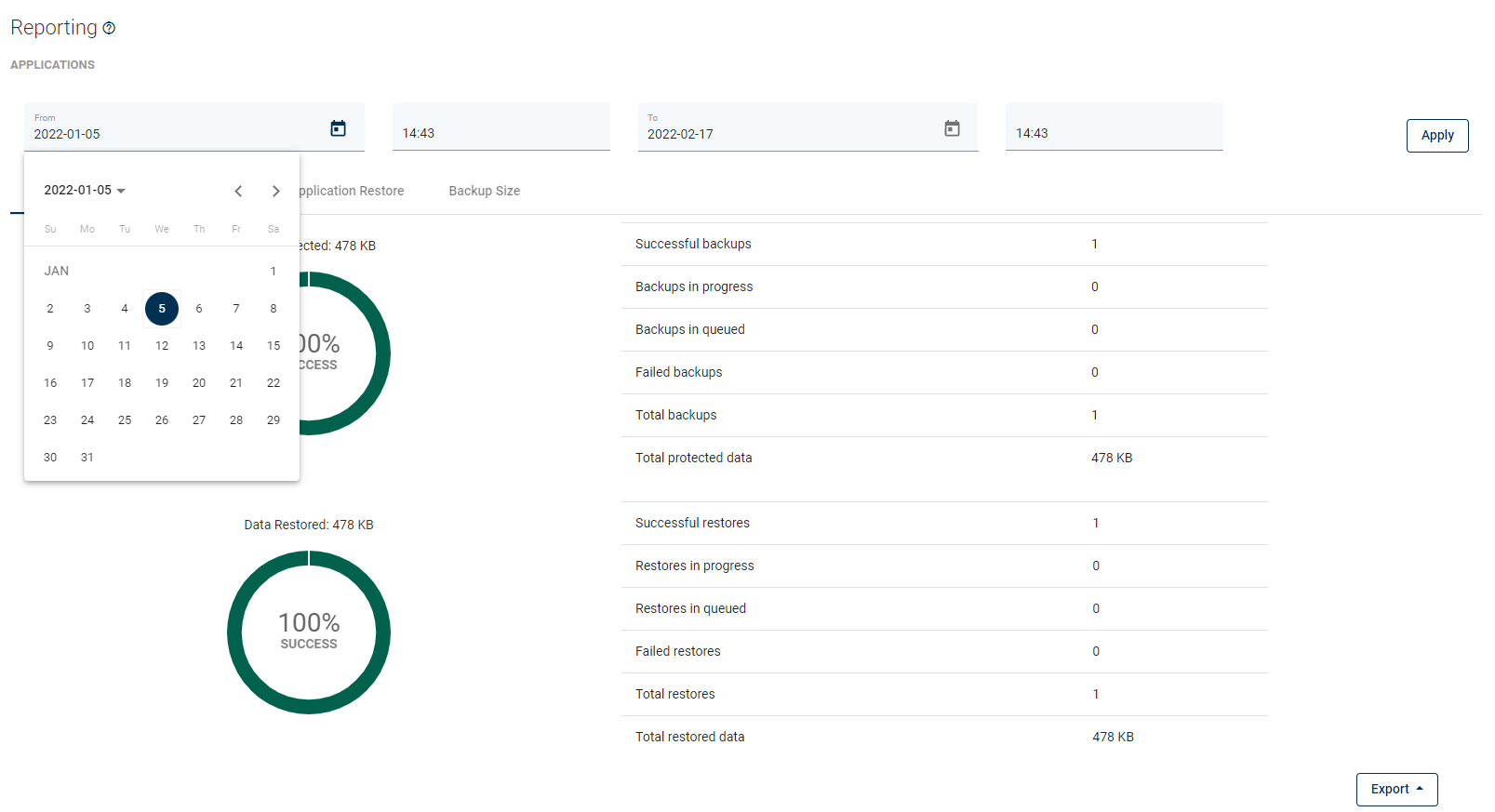
Now that you have set the date you are interested in, you can move to the next tabs to view details of each task performed by vPlus.
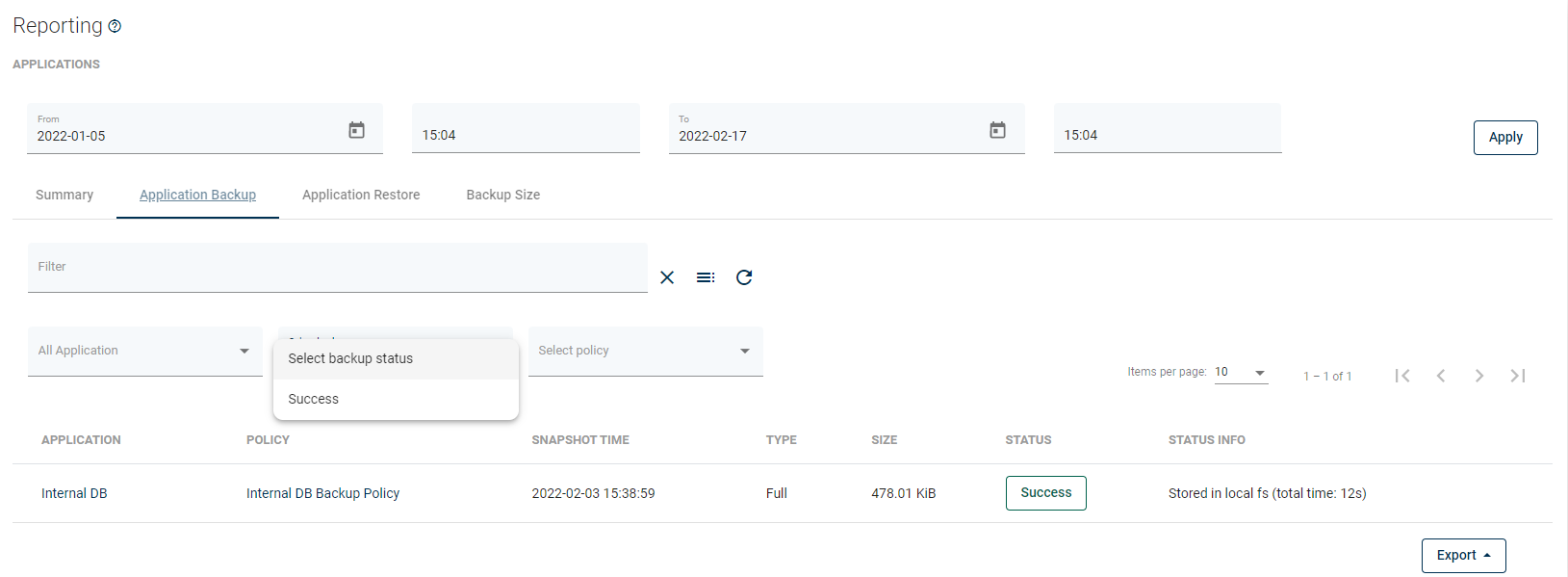
Backup Statistics
Now you can see all tasks completed within the set date or ...
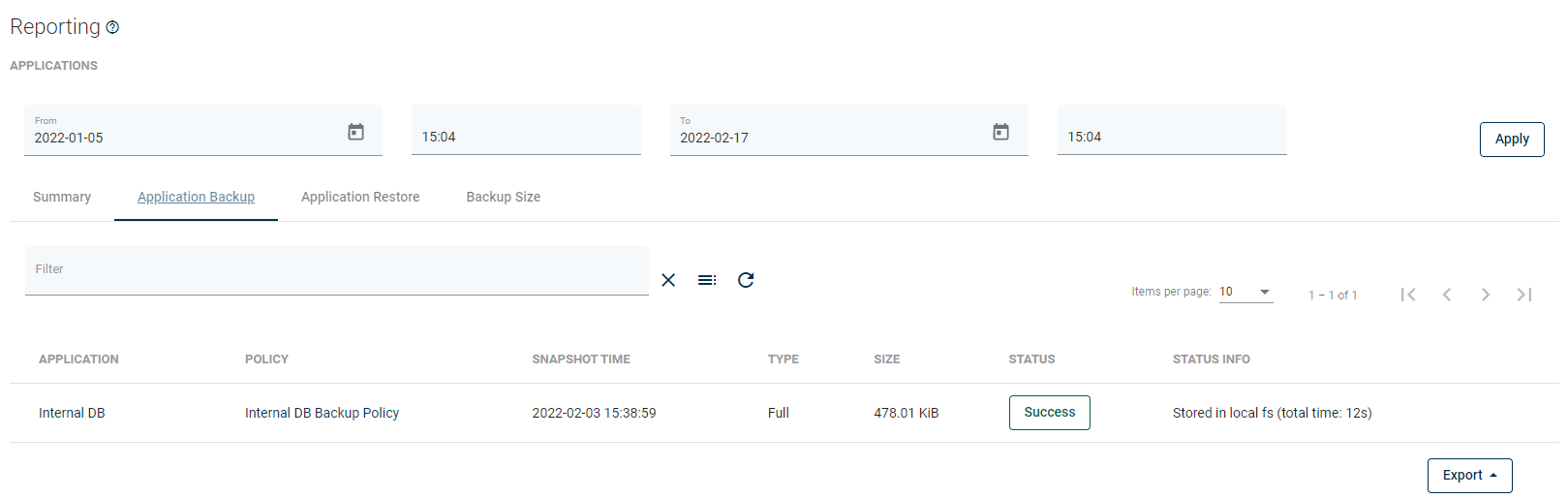
Additionally, filter them by status, rules, or instance.
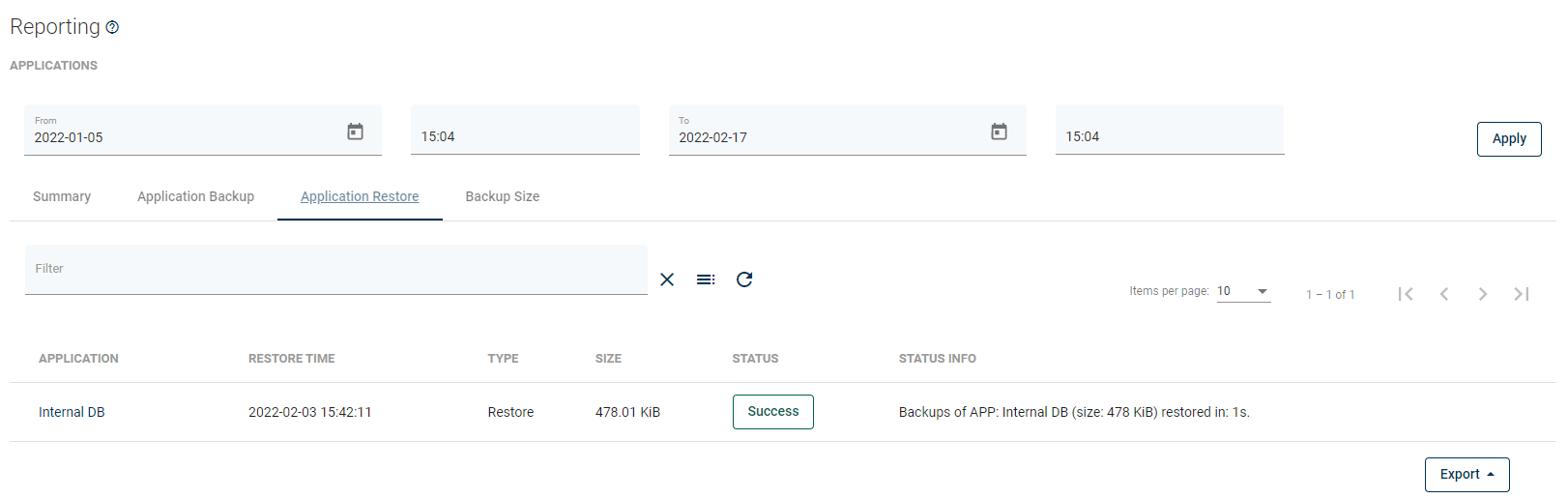
Restore Statistics
The functionality is the same as for the backup statistics, you can see all tasks completed within the set deadline or filter them by status, policy, or instance.
Report sections that you might need for chargeback reporting:
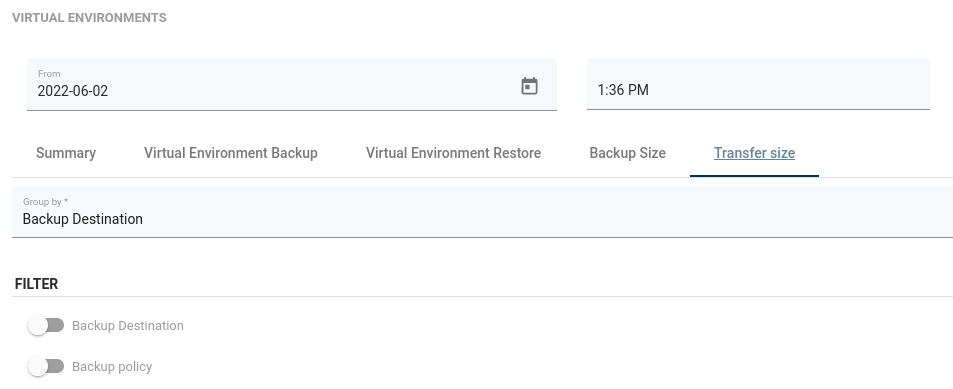
Transfer Size
Transfer size tab shows the amount of data transferred during the backup operations.
Backup Size
Backup Size section shows the current exported data.
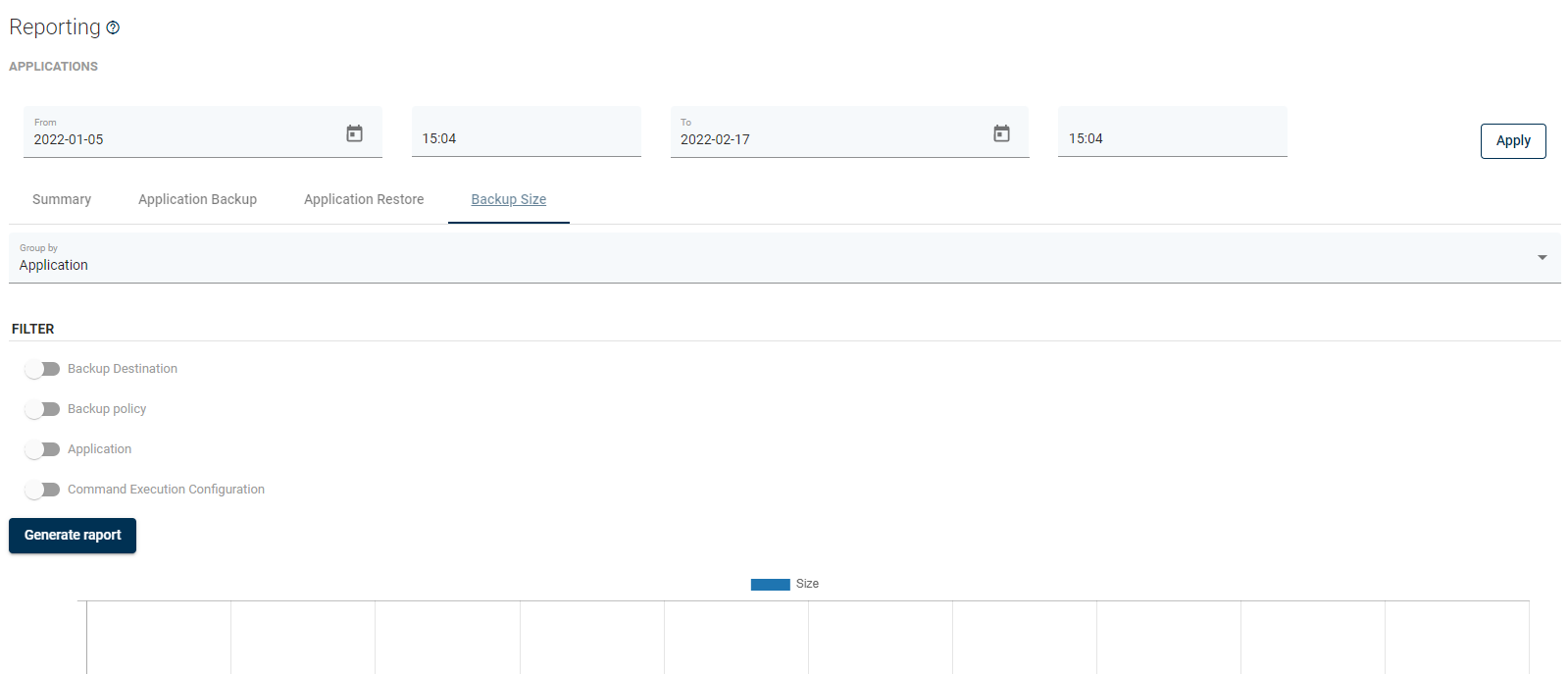
You can use the Export button to send these reports by email or export them as PDF or HTML.