System Access
The Catalogic Backup Appliance consists of three layers, each with separate access credentials.
Accessing the Operating System
Login via SSH or in the machine’s terminal.
| user | password | remarks |
|---|---|---|
dpxadmin | dpxadmin | Password change required upon first login |
admin | <randomly set password> | Stored in /opt/vstor/change_me.txt |
Accessing DPX Master Server
Open a supported web browser and enter the resolvable hostname or IP address of your appliance in the browser’s address bar.
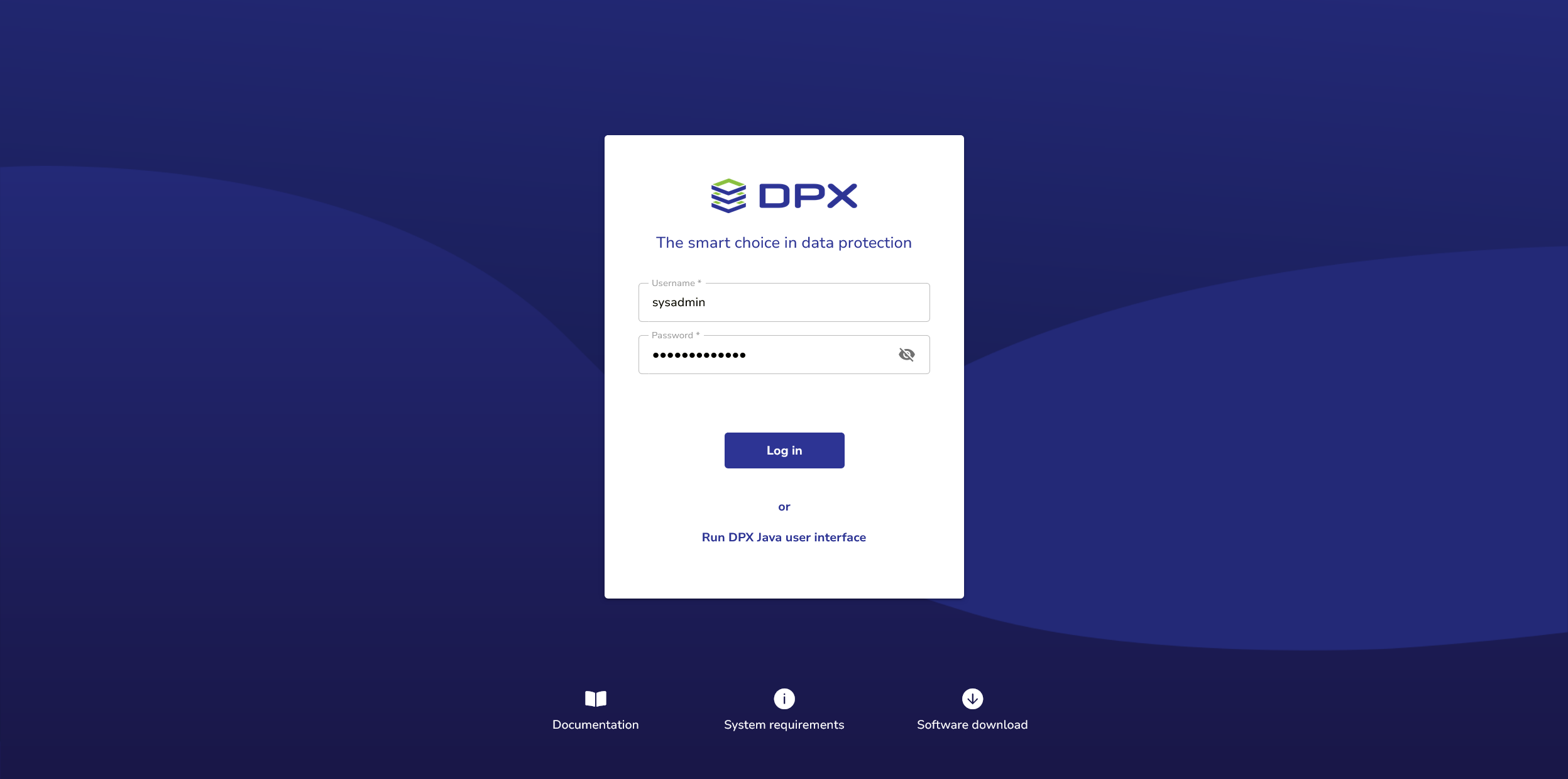
- The standard user name for DPX Master Server is
sysadmin. - The default password is
sysadmin. After a successful initial login, you will be prompted to change the password.
Accessing vStor
Your vStor component is available on port 8900. Open a supported web browser and enter the <resolvable hostname or IP address>:8900 in the browser’s address bar.
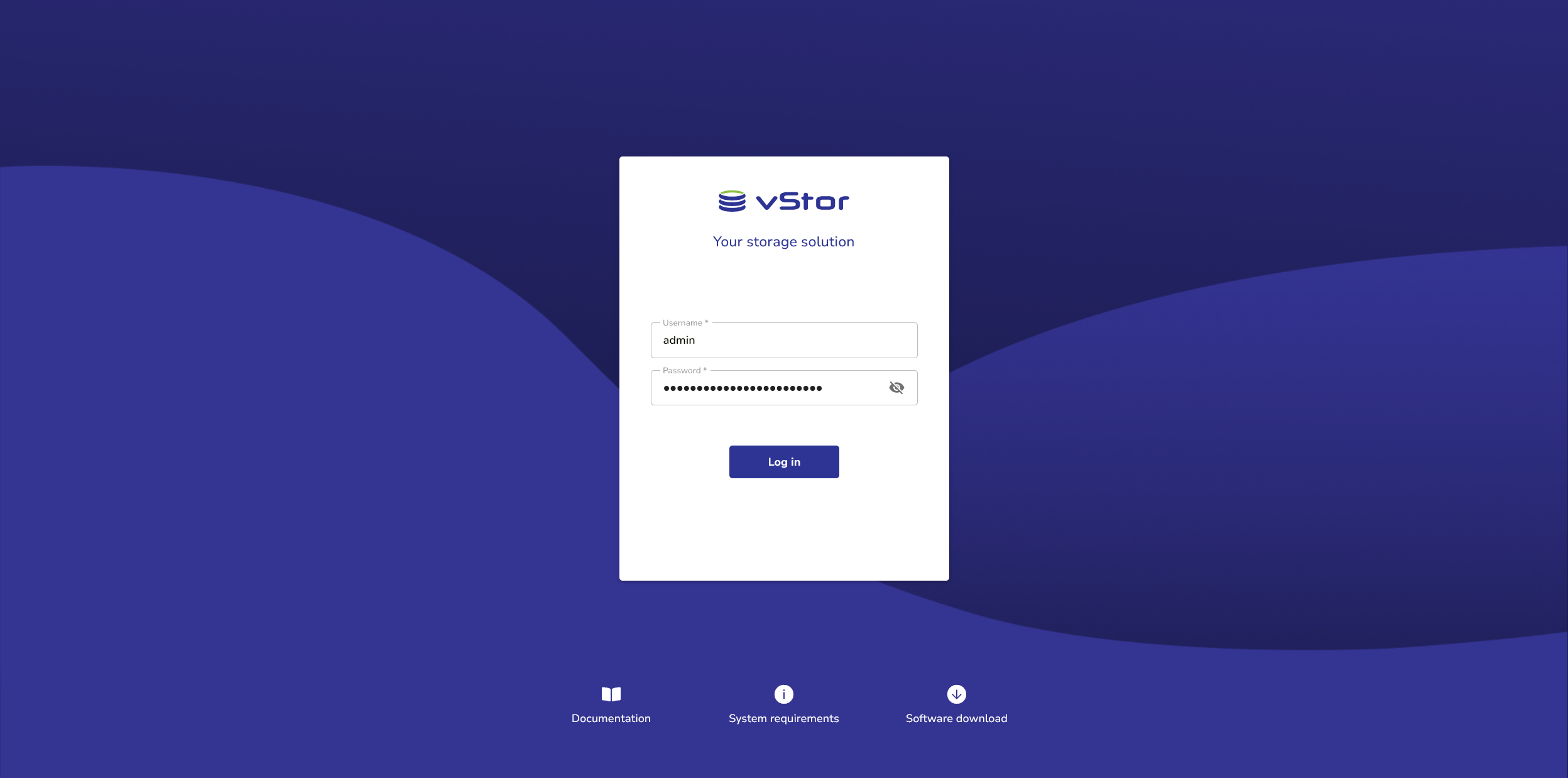
- The standard user name for vStor is
admin(the same as the OS user). - The password has been randomly set and can be found in
/opt/vstor/change_me.txt.
The admin user password is used to add vStor as a storage node to DPX. The password is automatically changed to a random one during the installation process to avoid connection issues. If you change the password for this user manually, you also need to edit the vStor node settings in DPX, otherwise any operations involving vStor will fail.