Installation
Before deploying Catalogic Backup Appliance, ensure your machine meets all requirements mentioned in the General Prerequisites section.
This installation guide assumes full recommended installation, i.e. DPX + vStor.
- Download the Catalogic-Backup-Appliance-4.15.0-AlmaLinux-8.iso file and boot from the .ISO.
- From the GRUB menu, choose Install AlmaLinux 8.10 with DPX and vStor 4.15.0.
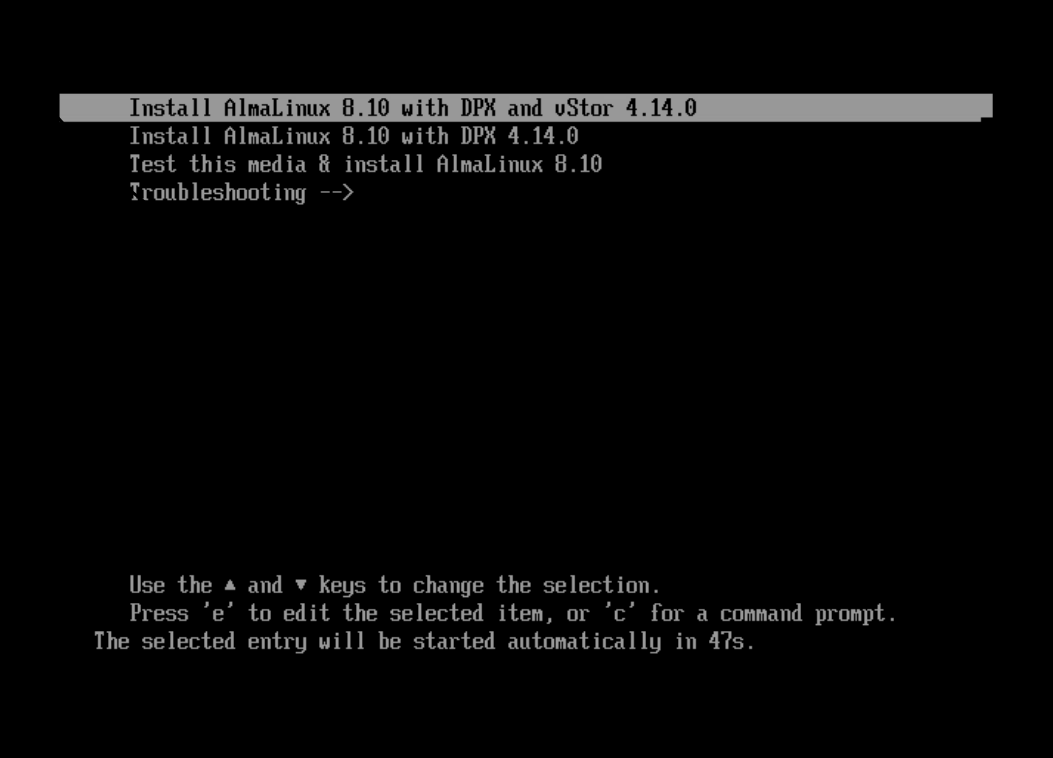
-
In the AlmaLinux Installer configuration, select the following options:
- Select only one disk for the OS installation.
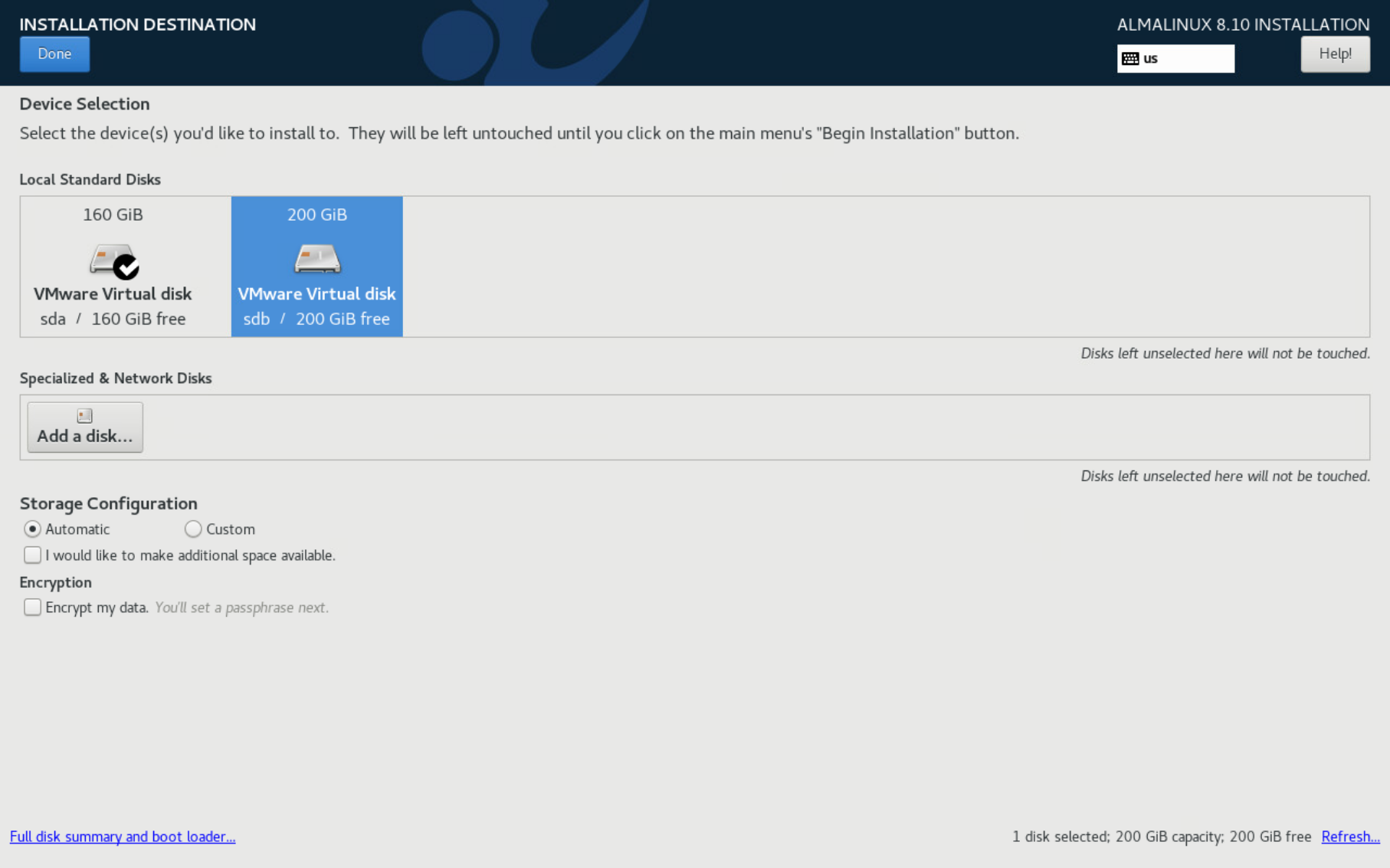 Note.
Note.In the image above, the 160-GB disk is selected for installation (checkmark), while the 200-GB disk is unselected and will not be touched during the AlmaLinux installation process.
- Ensure the Host Name is unique within your network. Most probably, you can leave the default host name.
Set all network parameters as desired, inluding IP addressing (static or DHCP).
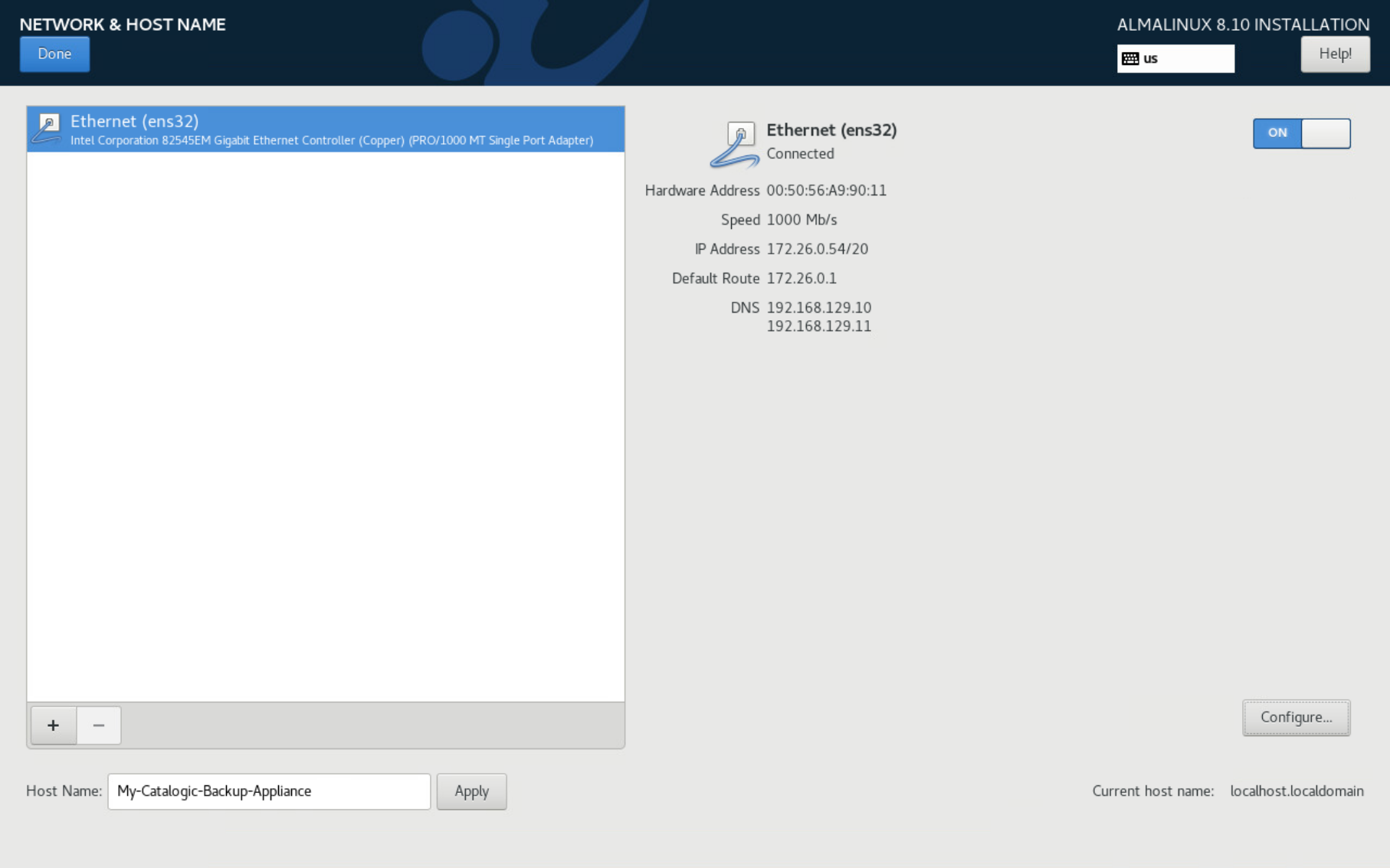
- Configure other system settings as needed, including Timezone, Keyboard Layout, etc.
-
Click the Begin Installation button.
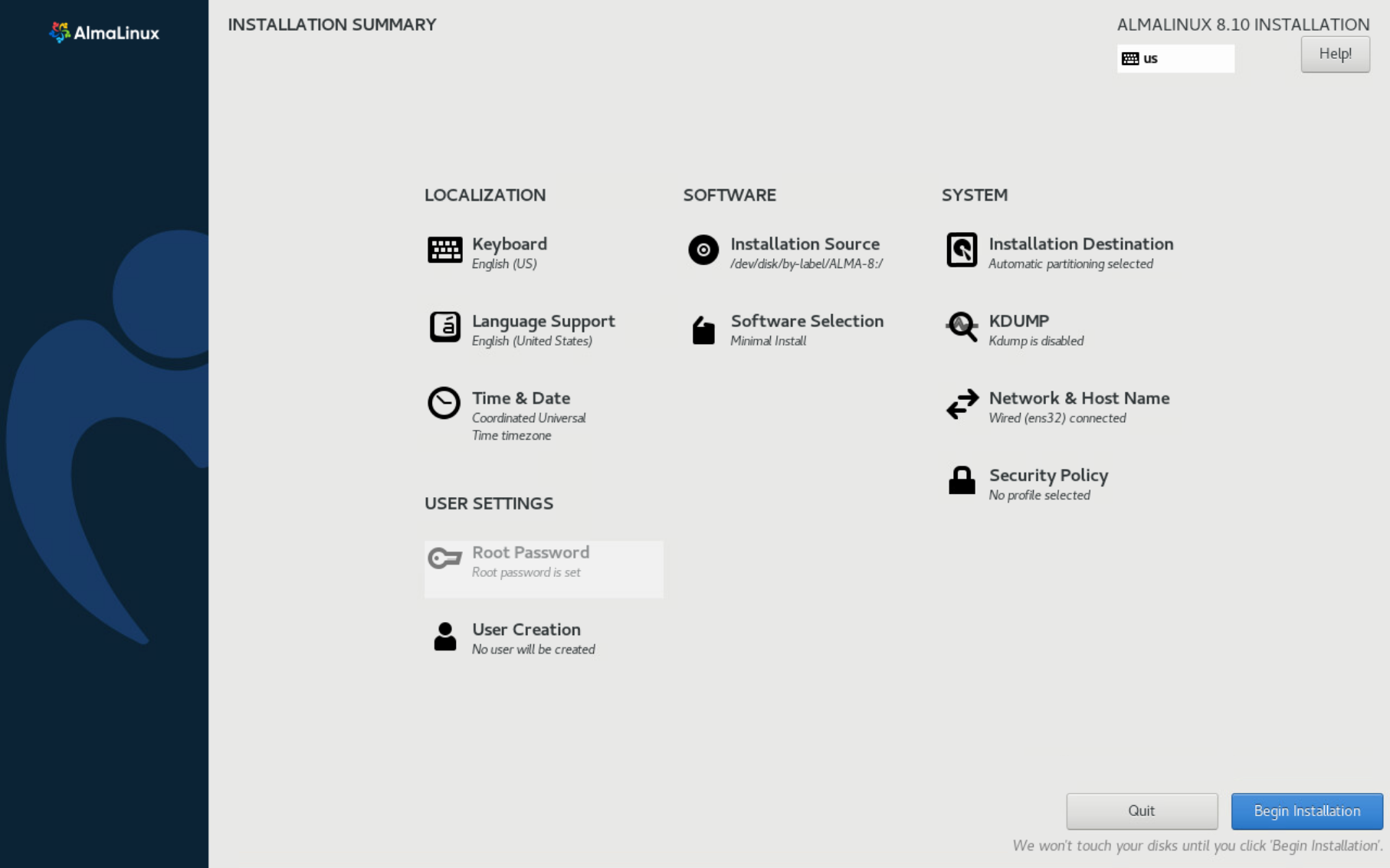
The system will prepare, deploy and configure DPX and vStor autmatically. The machine will reboot twice. Total automated configuration time: approximately 30 minutes.
Interactive shell access is disabled throughout the installation process. However, you can preview the installation progress logs, authenticating as user: log with password log.
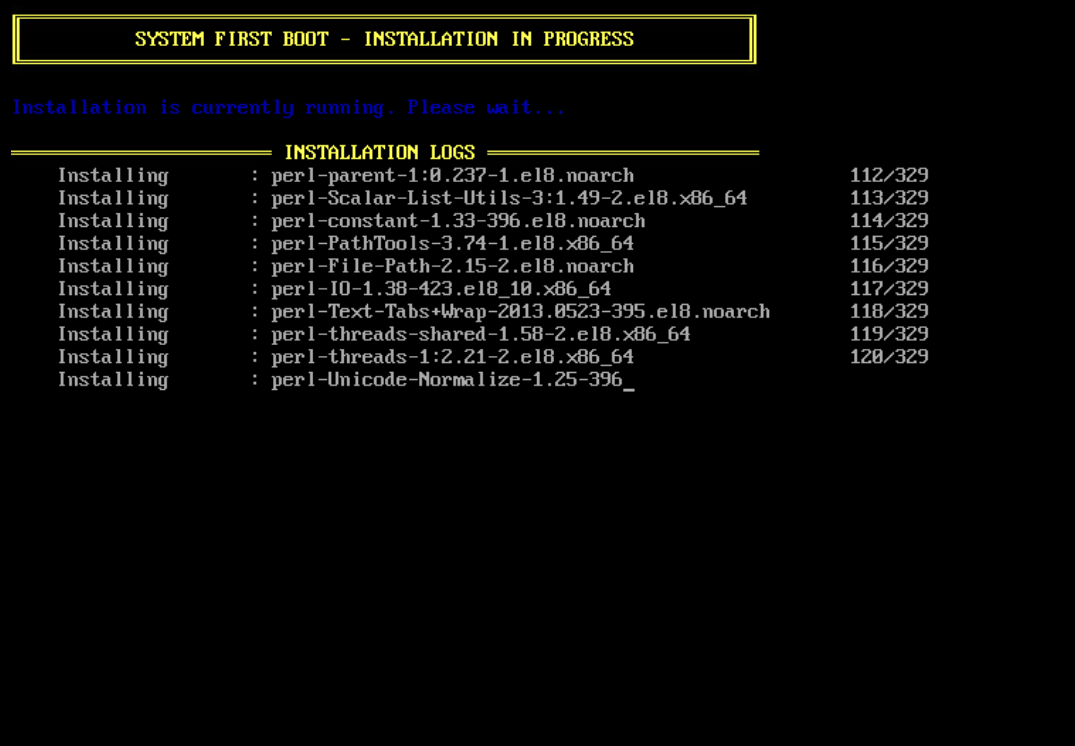
Once the installation is complete:
- The system is fully configured
- DPX and vStor (if selected) are ready to use
- Storage, media pools and devices are configured
- vStor and GuardMode nodes are added to the Enterprise.
You can now proceed with backup configuration and start protecting your data.